



Connect to another computer by Telnet or SSH
Having access to the configuration of a remote computer by means of the command line is an option that has been available for many years thanks to the Telnet protocol, though due to its lack of security measures its use for this purpose has been set aside in favor of the SSH protocol.
Connect PCs by Telnet or SSH
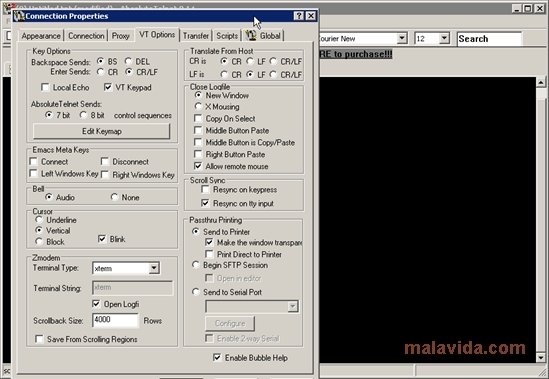
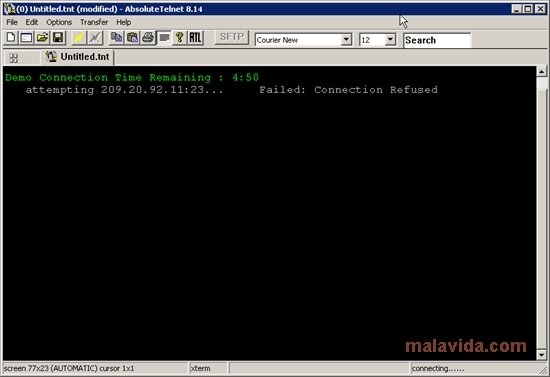
To be able to connect to a computer that has a Telnet or SSH server it is necessary to have to resort to an application like AbsoluteTelnet. This software allows the user to have a secure way in which to connect to another computer thanks to the use of its encryption protocols.
The most interesting option available with this software is the possibility to connect to various remote computers at the same time due to the implementation of tabs in the interface.
This application can only be controlled from the command line interface, except for the input of the server data, thus making it only advisable to be used by advanced users, because it is unlikely that inexperienced users will be able to make the most of it.
So, if you need an application that will allow you to connect to a computer via Telnet or SSH, or even dial-up or COM port, download and try AbsoluteTelnet.
Requirements and additional information:
- The demo version only allows connecting for a maximum of five minutes per session.
- The application requires the user to ask for a trial license from the developer when the installation has finished.
 Antony Peel
A Telecommunications Engineer, chance led me to the translation industry, where after a few years, I discovered another side of the world of technology while translating what others were writing about mobile applications and software. That...